Raspberry Pi Pico 2: Quick Start
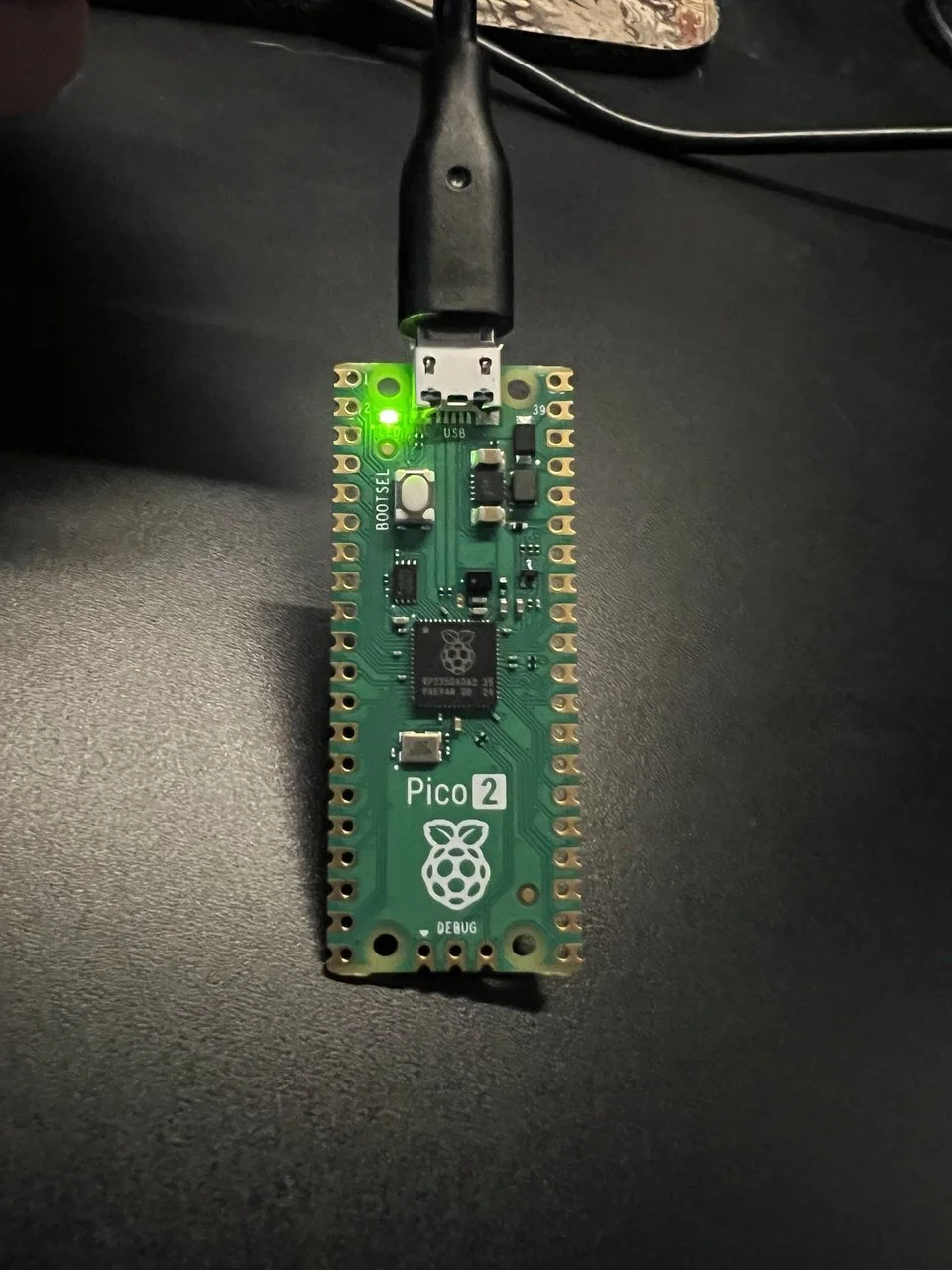
Blinkin’ Pico 2
It’s been a few years since I’ve done some Microcontroller programming, so let’s do a quick look at how to move a Rust program to a Raspberry Pi Pico 2.
Keepin’ it brief
Step 1: Do a git clone of this template project
Step 2: You need picotool for now. I’m on windows atm, so I got mine here
Step 3: the guides are going to say that cargo build —release is going to work. For me it didn’t, I had to revert to my previous guide for setting up a [[bin]] target in the cargo.toml file. I’ve included that code below.
[[bin]]
name = "move-to-device"
path = "src/main.rs"
Step 4: Plug in the raspberry pi pico 2 while holding the bootsel button (just a good habit when planning to load)
Step 5: run the command ‘cargo run —bin move-to-device’
Now get outta here!
But seriously, If this doesn’t work for you, and you’re on windows, drop me a line. I’ll update this post with other links and ‘potential woes’ to save people the clicking around as I hear of them, of as I discover them.
